Installation
HACS Custom Repository
This integration is not yet in the default HACS store, so add it as a custom repository:
- In Home Assistant, open HACS.
- Click the ⋮ menu in the top right, then Custom repositories.
- Enter
https://github.com/rtl-433-hass/rtl_433and choose the Integration category. - Search for rtl_433, open it, and click Download.
- Restart Home Assistant.
Manual Install
- Copy
custom_components/rtl_433from this repository into Home Assistant's<config>/custom_components/directory. - Confirm the final path is
<config>/custom_components/rtl_433/. - Restart Home Assistant.
Next Step
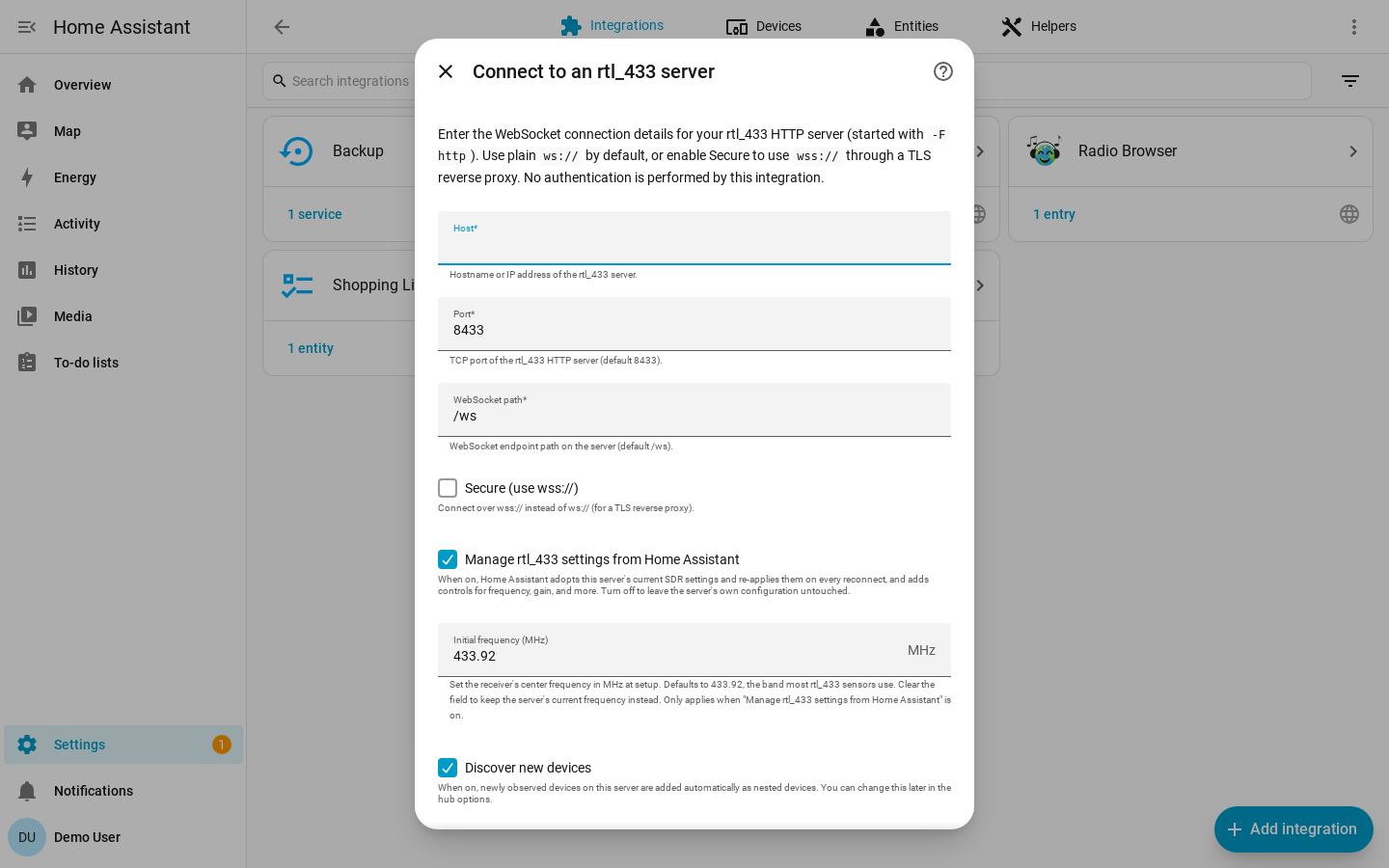
After installation, add a hub from Home Assistant using the configuration guide. You will see the connection form below.