rtl_433 for Home Assistant
The rtl_433 integration connects Home Assistant to rtl_433 so you can see weather stations, security sensors, and more, all as native Home Assistant devices and entities.
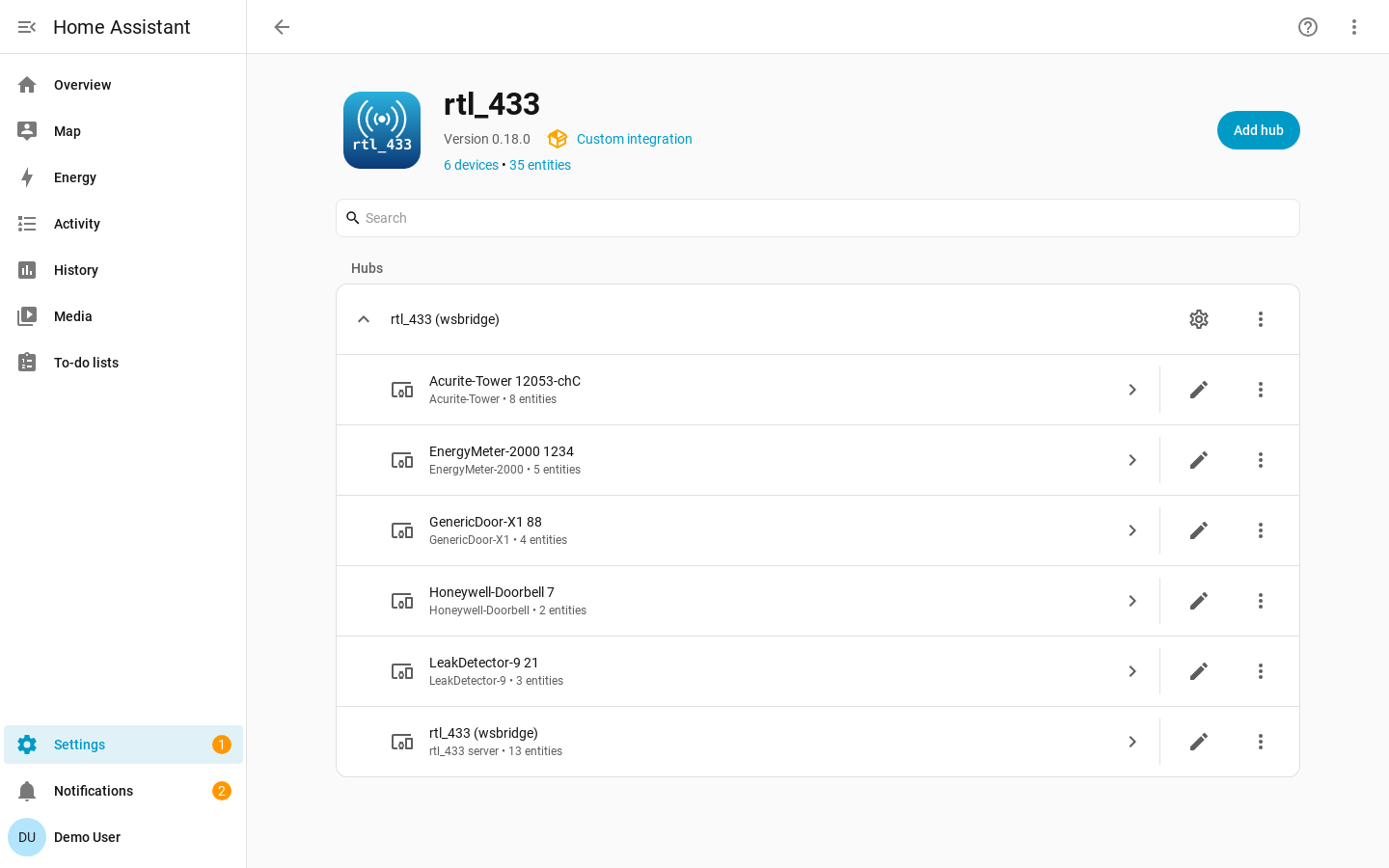
rtl_433 receives 433 MHz and other ISM-band transmissions with a software-defined radio (SDR) and can expose decoded events through its HTTP API. This integration connects to that WebSocket endpoint, normalizes each event into a stable device identity, and maps raw fields to Home Assistant sensors, binary sensors, and events through the device library.
The best way to use this integration is with the rtl_433 Home Assistant add-on and a supported USB radio: install this integration first, restart Home Assistant, and then install and start the add-on. Each radio the add-on detects is discovered automatically — no connection details to type. Otherwise, the integration can connect to any rtl_433 server with HTTP output enabled.
Features
- Local push over the rtl_433 WebSocket, with no cloud dependency and no polling.
- Data-driven device library: add support for additional devices by writing
YAML snippets in the Home Assistant UI, without having to wait for a new
version of the integration. The shipped library is maintained upstream in
pyrtl_433. - You choose which devices to add: every device the receiver hears is listed for you to add, so neighbours' sensors and bad decodes stay out of Home Assistant. Unwanted devices can be ignored until you want them back.
- Configurable availability: silence-based availability with hub defaults, device overrides, and event-driven class defaults.
- Multiple servers: add one hub per rtl_433 server; device identities are scoped per hub.
- Hub observability: diagnostic entities for connectivity, SDR/meta values, and server statistics.
- Optional managed SDR settings: Home Assistant can adopt and re-apply rtl_433 SDR settings after reconnects.
- Debugging and Diagnostics: downloadable diagnostics show unmapped fields so missing device support is easy to identify.
Where to Start
- Install the integration with Installation.
- Add a hub with Configuration.
- Choose which devices to add in Adding Devices to Home Assistant.
- Tune timeouts in Availability.
- Understand doorbells, remotes, and motion sensors in Event-based Devices.
- Add or fix field mappings in Device Library.